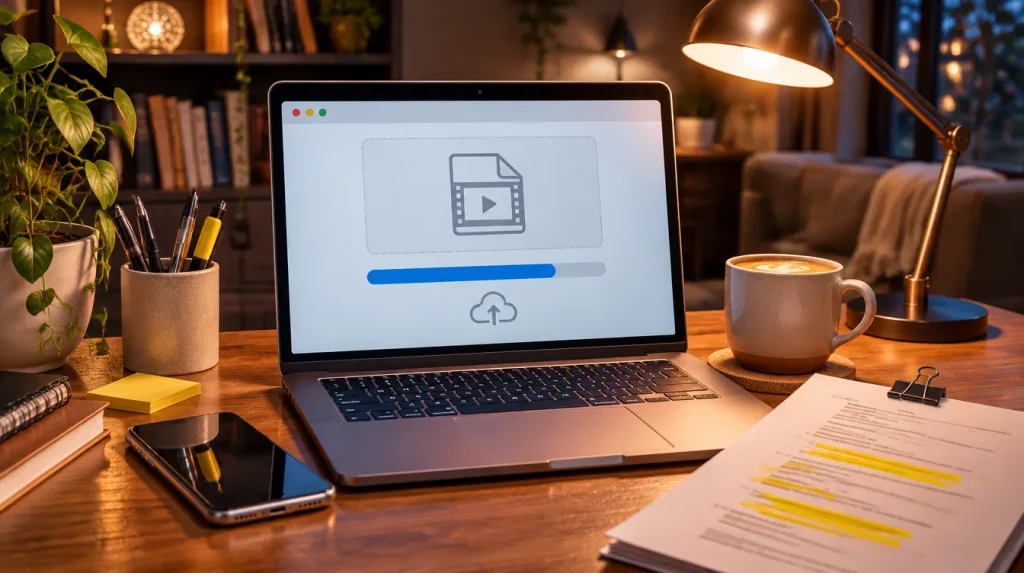
Knowing how to send a self tape matters as much as the take itself. If casting cannot open the file, cannot tell whose tape it is, or finds the link locked, the work never gets watched. Fortunately, a few simple habits fix almost every sending problem.
Step 1: Read the Instructions Twice
Every casting notice is different. Some want an upload to a casting platform, some want a link, and some want a specific file name or format. Therefore, the notice is always your first source. Read it once before you record and again before you send, so nothing slips through.
Step 2: Name Your Files Clearly
If the notice gives a naming format, copy it exactly. If it does not, use a clear pattern that includes your name, the role and the project, for example AlexRivera_Sam_ProjectName_Scene1.mp4. Also, avoid names like “IMG_4471” or “final final v2”, since casting may have hundreds of files to sort.
Step 3: Export a Clean File
MP4 is a widely accepted format, so it is a safe choice when the notice does not name one. Next, trim the dead air at the start and end of each take, and keep each scene as its own file unless the notice asks for them combined. Afterwards, watch the exported file from start to finish to make sure the picture and sound are in sync.
Step 4: Check the File Size and Upload Limits
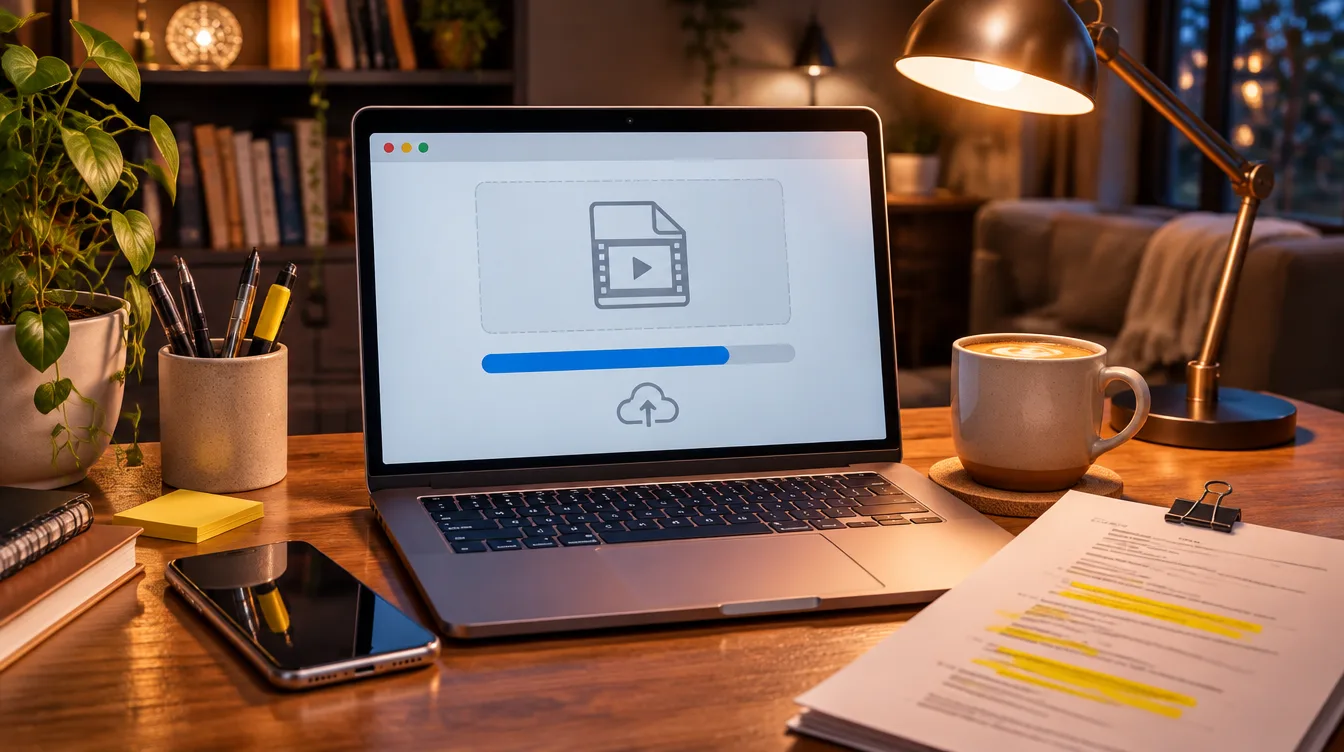
Some platforms and inboxes limit how large a file can be. If your file is too big, export it again at a lower size or use a sharing link instead of an attachment. In addition, give uploads time to finish on a steady connection, because a dropped upload can leave a broken file behind.
How to Send a Self Tape by Link
When a link is allowed, make sure anyone with the link can view it without signing in or asking for access. Then, open the link in a private browser window to test it the way casting will see it. Keep the files in place until the project is cast, because a deleted file turns your link into a dead end.
Step 5: Write a Short, Clear Message
If you are sending by email, keep the message brief. Include your name, the role, the project, the links or attachments and your contact details. Overall, there is no need for a long note; the tape speaks for itself.
Final Checklist Before You Send
- Did you follow every instruction in the notice?
- Are the files named clearly and in the requested format?
- Does each file play from start to finish with clean sound?
- Does every link open in a private window without a sign-in?
- Are you sending before the deadline, with time to spare?
Getting the setup right before you record makes sending easier too. Start with our how to self-tape guide, review your self tape framing, or learn the whole process in the Self-Tape Academy All-Access ($199, all three courses). For union guidance, see SAG-AFTRA.
Building a brand around your work? Plopjoy builds websites, branding and apps for artists, influencers and brands.